Third-party faceplate screens offer affordable alternative to Valve's Steam Machine
JSAUX has released two faceplates for Valve's Steam Machine: a $100 E-Ink panel and a $90 PixelMatrix LED panel. Both support performance monitoring, clocks, weather, calendars, and photo frames via Decky Loader on Steam…
Source: Rock Paper Shotgun

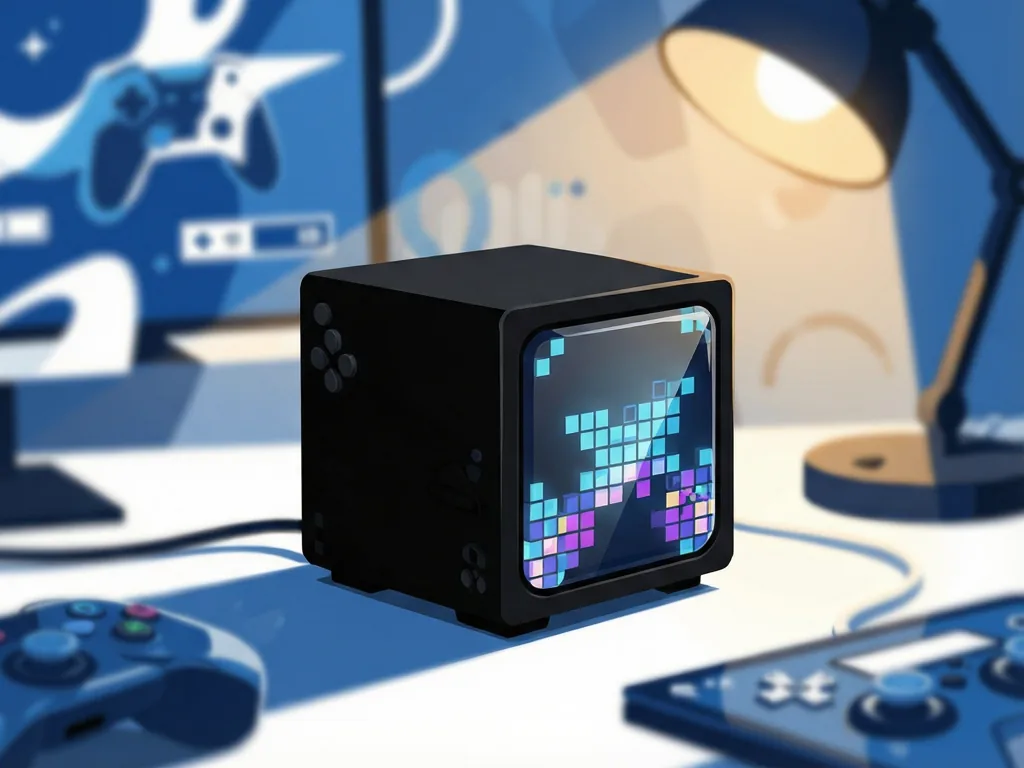
Steam Machine owners who want to dress up the front of Valve's little cube now have a third way to do it, and it doesn't involve a soldering iron. Accessory maker JSAUX has put two official faceplates on sale today: an E-Ink panel and a colorful "PixelMatrix" LED panel, both built to slot straight into the machine's front bay. They follow a few weeks of teasing within the case-modding community, and they essentially package up what Valve's open-source Inkterface project lets tinkerers build themselves — except ready-made.
Two Panels, Two Personalities
Having tested both, the E-Ink faceplate is the sharper, tidier of the pair: a crisp black-and-white display that suits text and photos well. The PixelMatrix trades fine detail for color and a retro, dot-matrix charm. Both support several display modes — performance monitoring, playtime tracking, a clock, weather, calendar, and a photo frame — switchable through SteamOS's quick settings menu via integration with the Decky Loader plugin tool.
The software setup currently needs to be done manually, though JSAUX says the required plugin will be downloadable directly through Steam from early October. In other words, it delivers everything a DIY Inkterface mod could, minus the assembly work.
Where Each Panel Wins
For performance monitoring, the PixelMatrix is the clear favorite. The E-Ink screen's fastest refresh rate is once per minute, which makes live frame or temperature data all but meaningless — nobody needs to know what their GPU was doing sixty seconds ago. The PixelMatrix also handles its weather view with actual color, which helps more than it should.
The E-Ink panel's real strength is photography. Turning the Steam Machine into a digital photo frame works far better on greyscale E-Ink, since the PixelMatrix's chunky LEDs can't reproduce anything with fine detail like faces or hair. Simple, blocky subjects are about the limit of what the dot matrix can convincingly show.
The Annoyances
Neither panel is flawless. On both, the outer edges don't line up perfectly with the Steam Machine's lower section housing the USB ports, power button, and light strip. On the E-Ink model, the right-side USB-C port means the connecting cable stretches awkwardly across that same area.
The performance readouts also mislead: the FPS "counter" on both screens simply shows your monitor or TV's refresh rate, converted to frames per second rather than Hz — not your actual in-game framerate. That's less of a loss on the E-Ink model given its glacial refresh rate, but it's still an odd choice. On the plus side, when the E-Ink screen does refresh, it's faster and less distracting than Valve's own Inkterface reference design, which also only offers a single performance screen rather than the full range of modes.
Cheaper Than DIY — But Not Cheap
In a reversal of usual PC hardware economics, both panels undercut the do-it-yourself route. The E-Ink faceplate costs $100 and the PixelMatrix $90. Tallying up the components needed for a homemade Inkterface panel comes to $104.50 — before you add the cost of 3D-printing an enclosure or buying a pre-printed one for around $15 more.
That said, "cheaper than DIY" isn't the same as affordable. Either panel runs roughly a tenth of the Steam Machine's own price, making these unashamed luxuries for people who already splurged on a mini PC. Whether a sub-6-inch greyscale screen that refreshes once a minute counts as good value is debatable — but the math at least sort of works out.
The panels are on sale now. The bigger question is whether Valve's support for this accessory ecosystem sticks around, given how quickly Steam Machine add-ons have come and gone before.
Source: Rock Paper Shotgun






Comments (0)